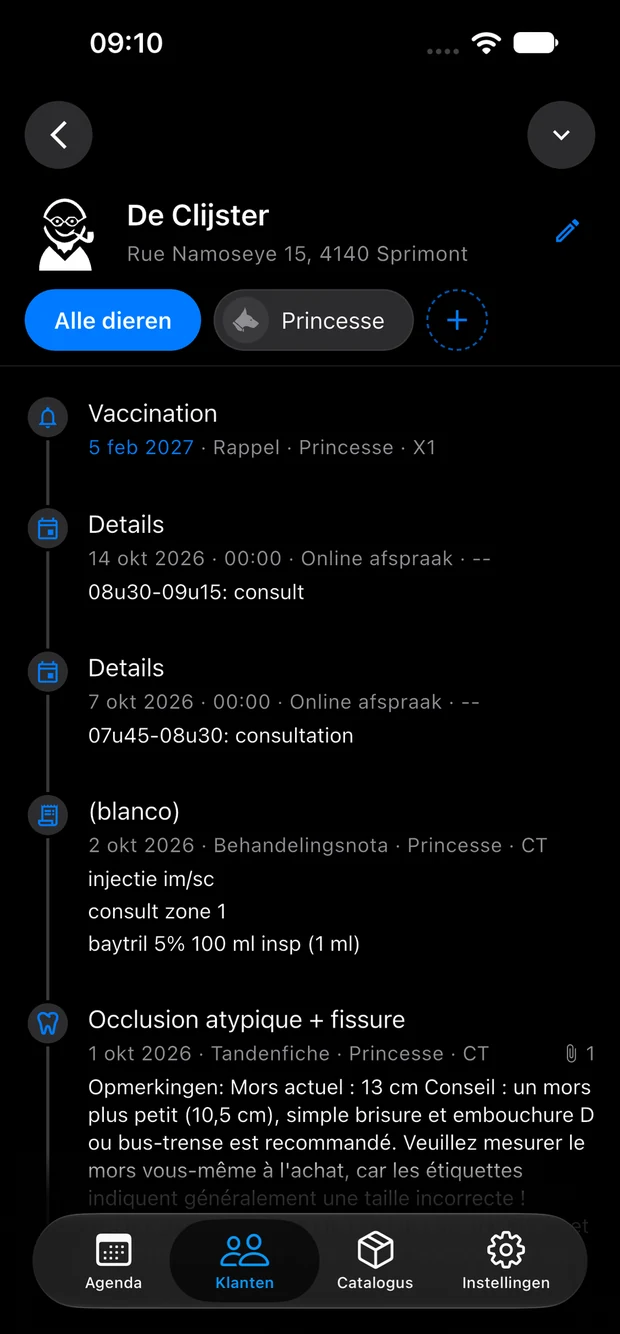
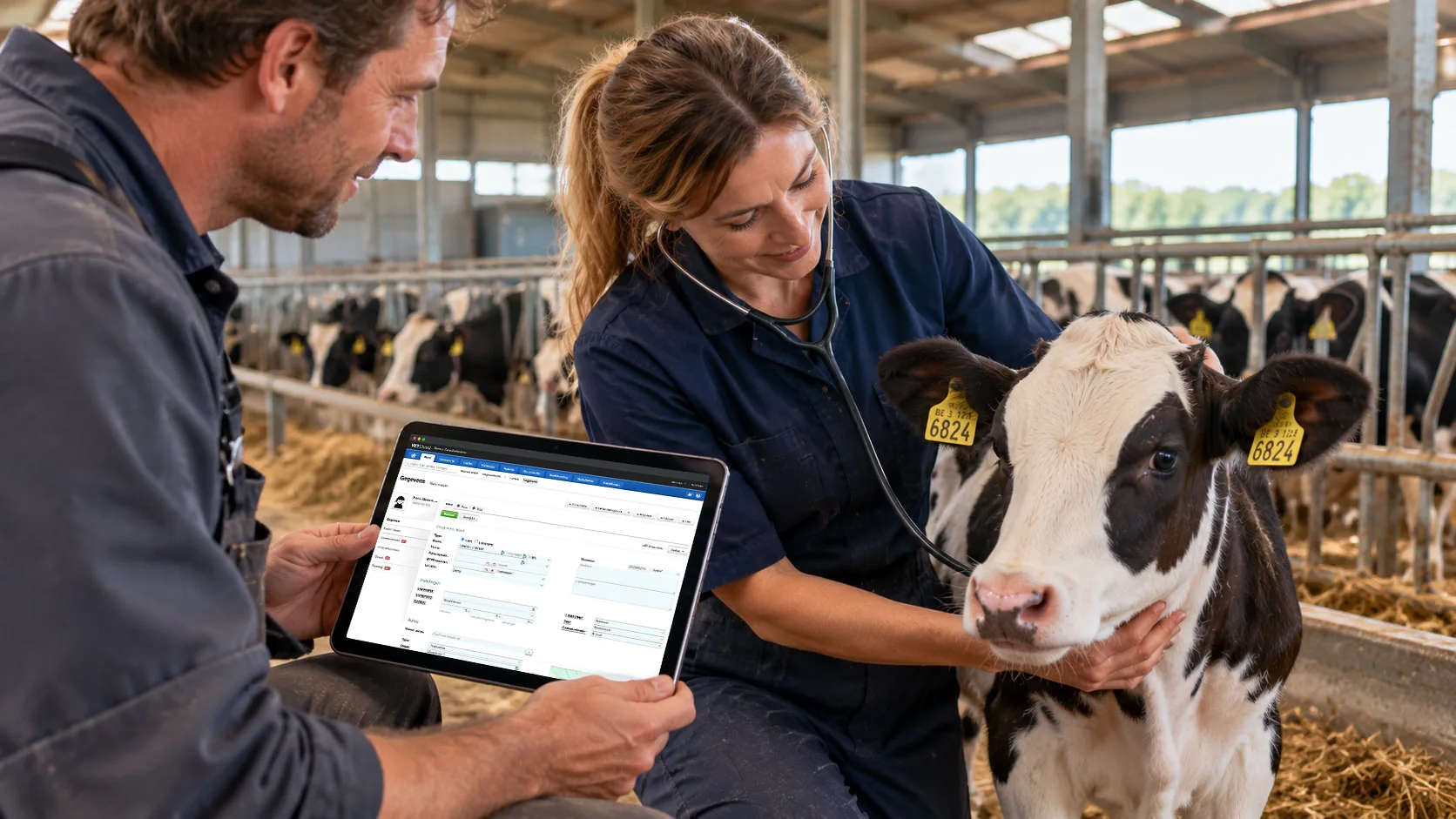
In the barn
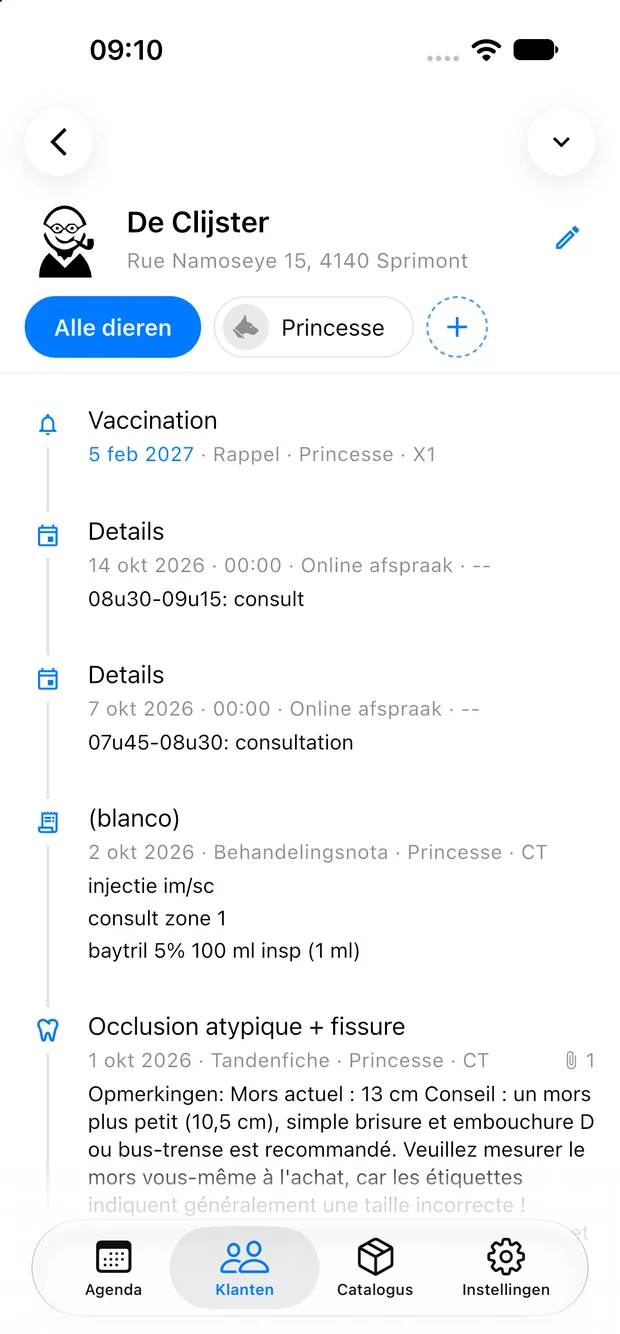
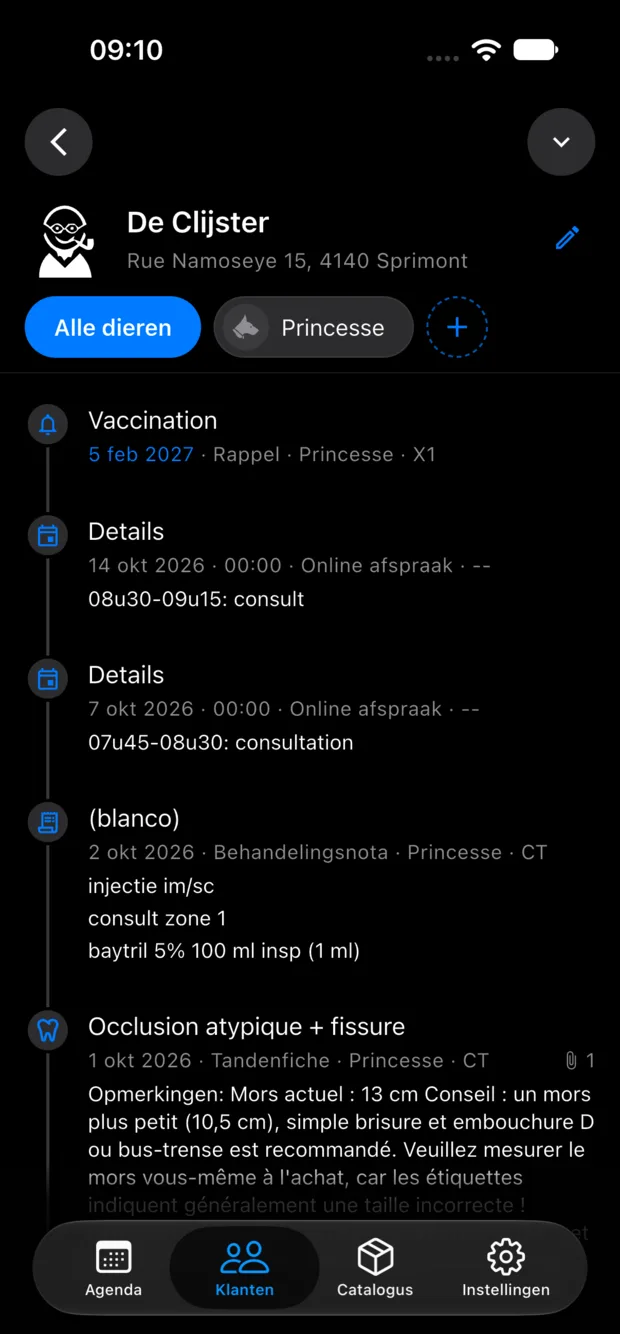
Every animal with its invoices, medication sold and procedures, per farmer.
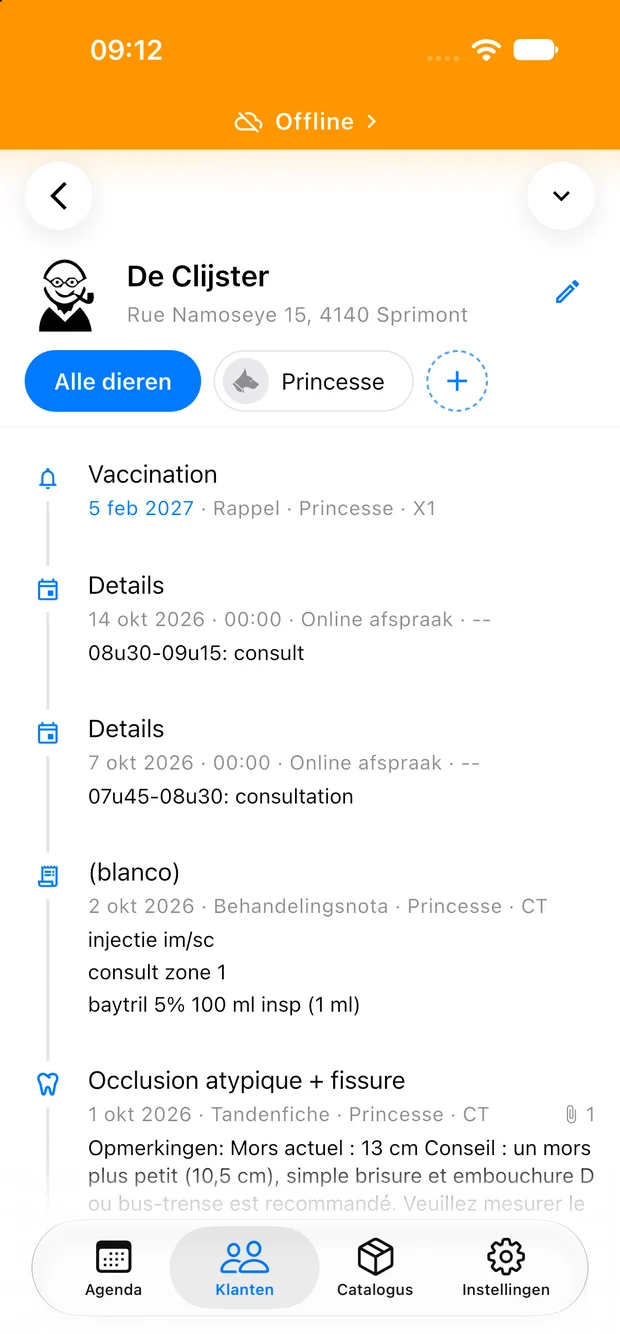
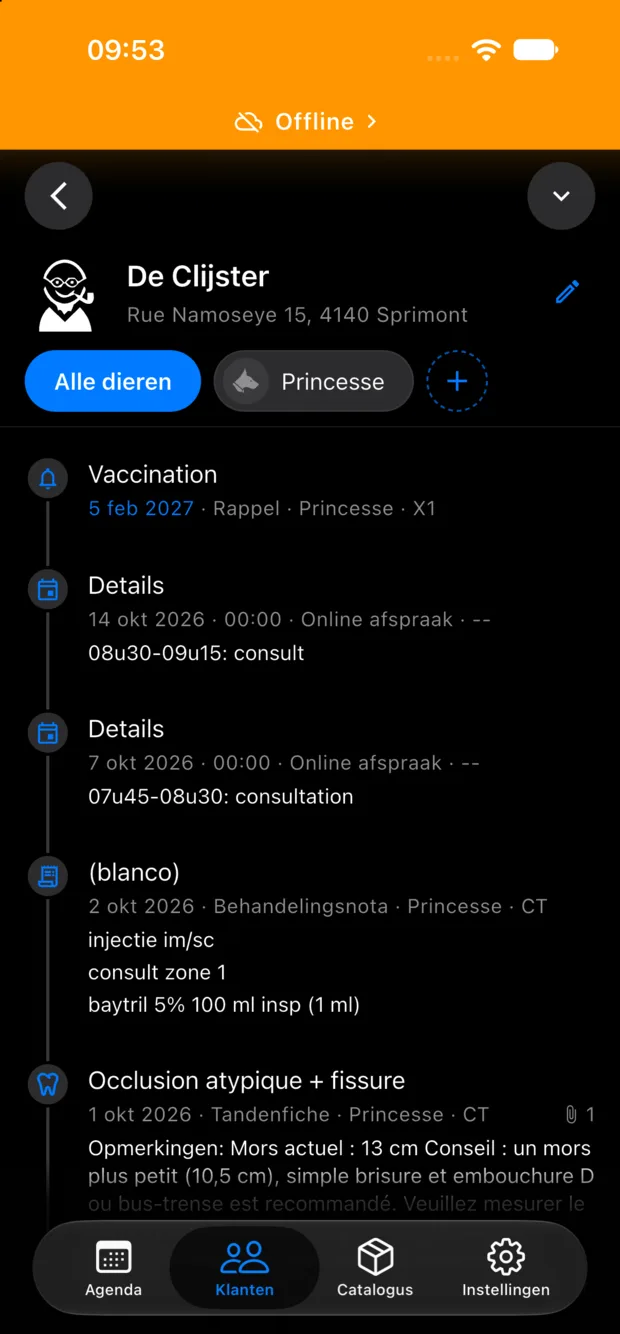
In the barn, on a house call, in theatre or down in the basement: your agenda, records and sales always to hand, even without mobile data or wifi.
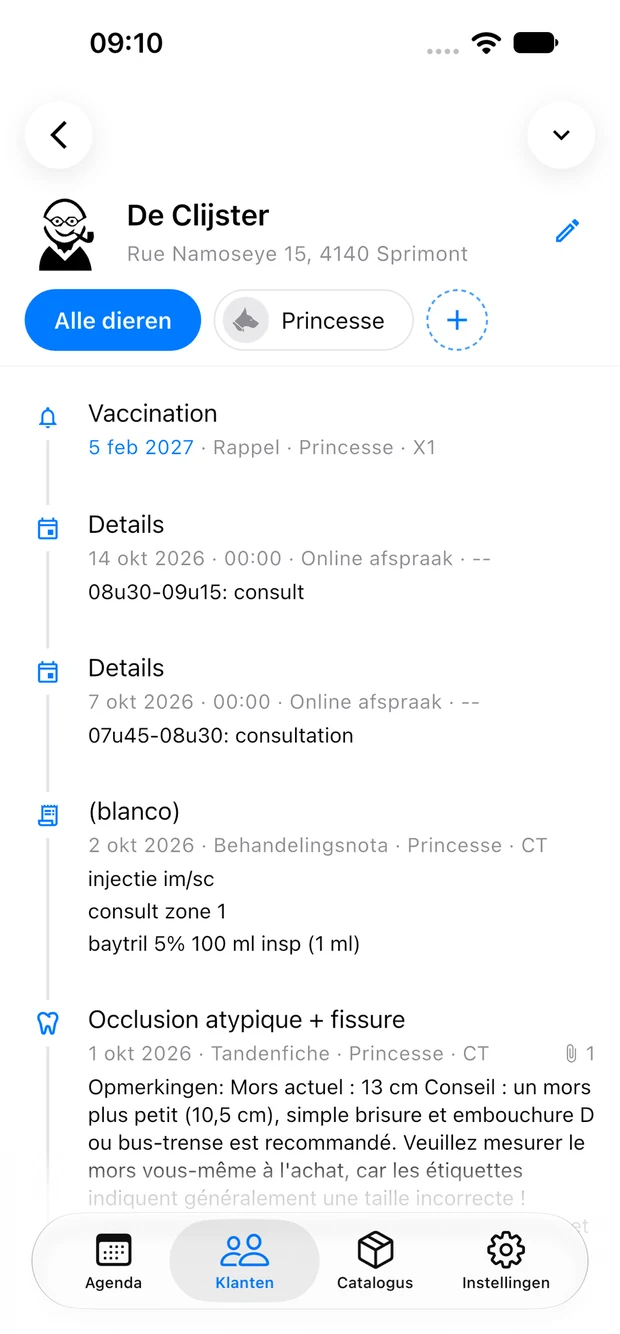
Client record, history and sales: all in your pocket.
Every animal with its invoices, medication sold and procedures, per farmer.
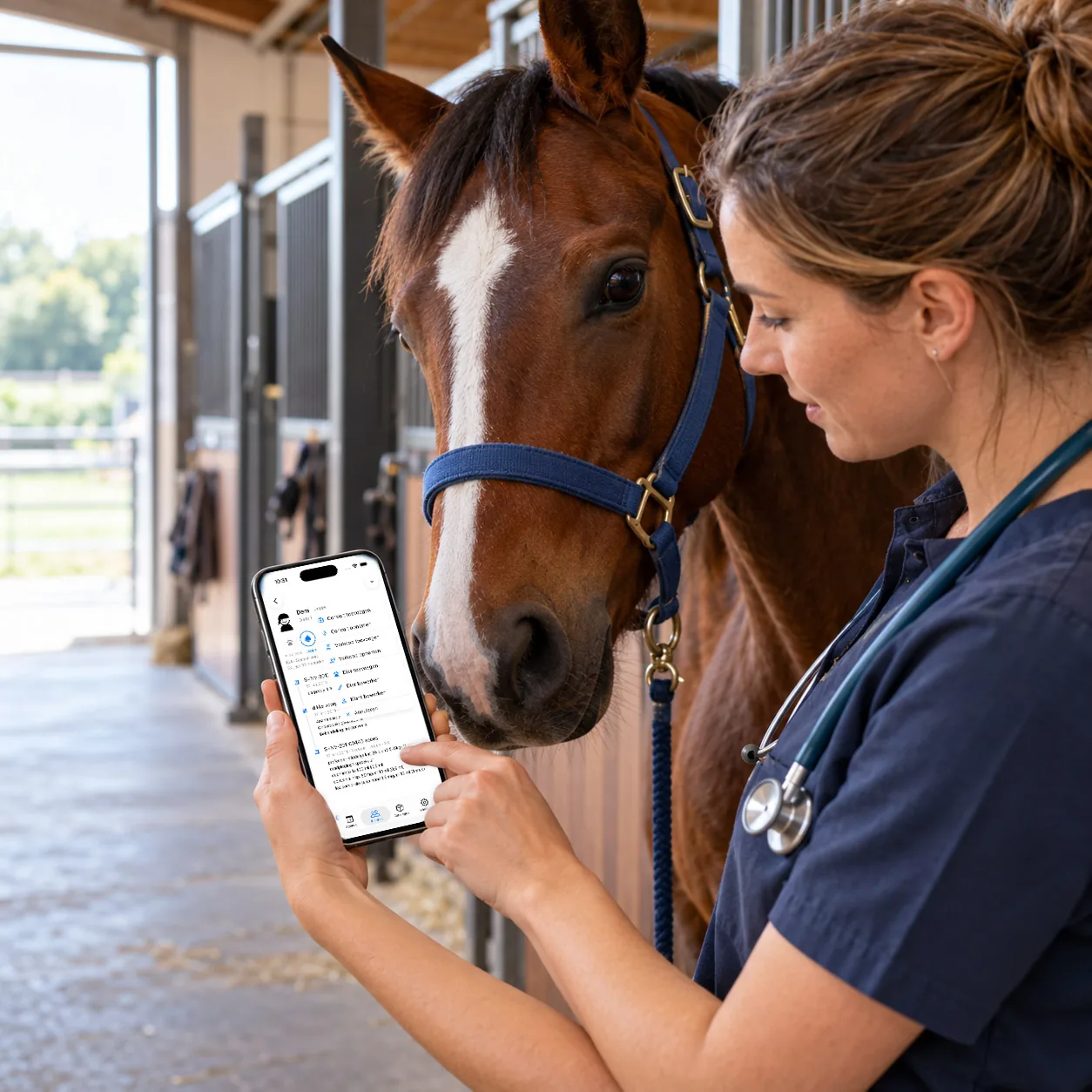
At competitions, riding centres and stud farms: the full history to hand.
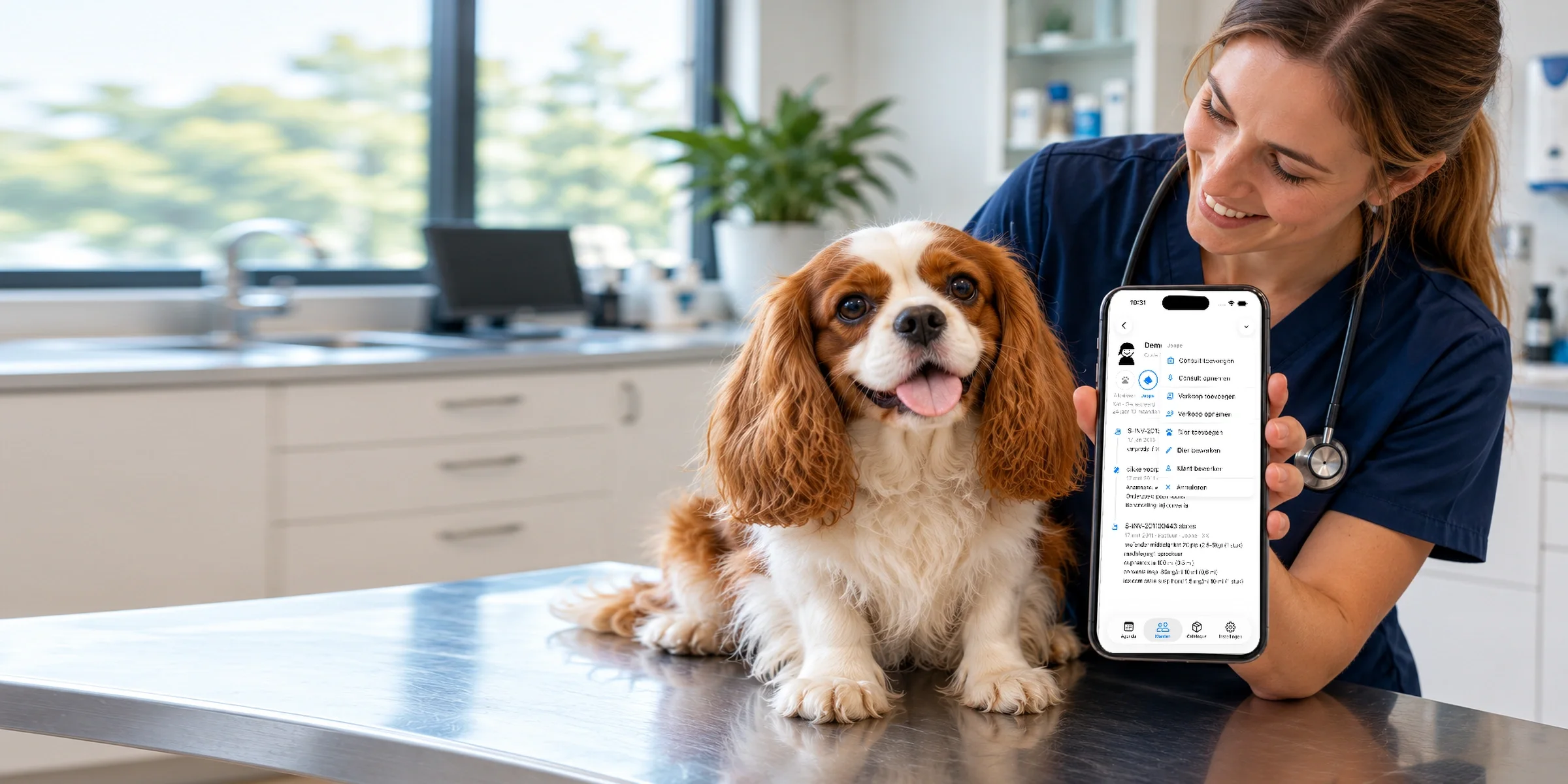
In theatre or in the basement: agenda and records right to hand.
No PC to hand and no wifi in the barn? With the VETCloud app you can check your agenda and records and log your sales, even without a connection.
Your agenda is always on your phone. Rearrange it as emergencies come in.
Name, address and phone number. One tap and you’re calling the owner.
Look up your client’s address and open it in your favourite navigation app.
Previous treatments, diagnoses and medication are all there in the app.
Create your sales or dictate them, even on a house call.
Create your consultations or dictate them. AI Scribe writes the report into the record.
Take photos or videos and add them straight to the right consultation.
Scan products for your stock count, batch number included.
Your current prices and products in your pocket. At the client’s home or in the barn, you quote the right price straight away.
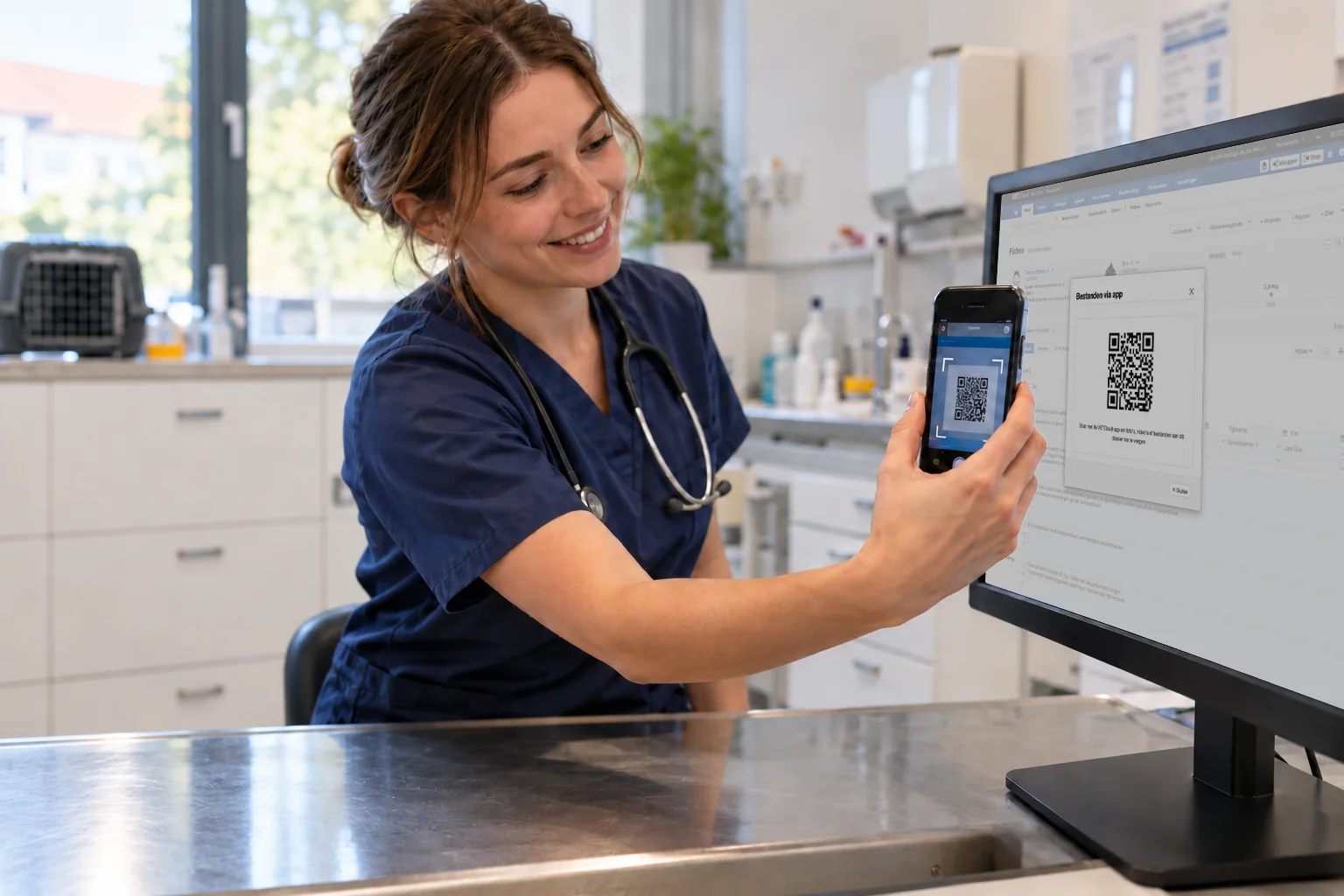
A wound, a lump, a lab result: add photos, videos and files to the right consultation. Choose the consultation in the app, or scan the QR code on your PC and start taking photos.
Open the client in the app, choose the consultation and add photos, videos or files.
Show the QR code of the consultation on your PC, scan it in the app from the Clients menu and take your photos or videos. They go straight into that consultation.
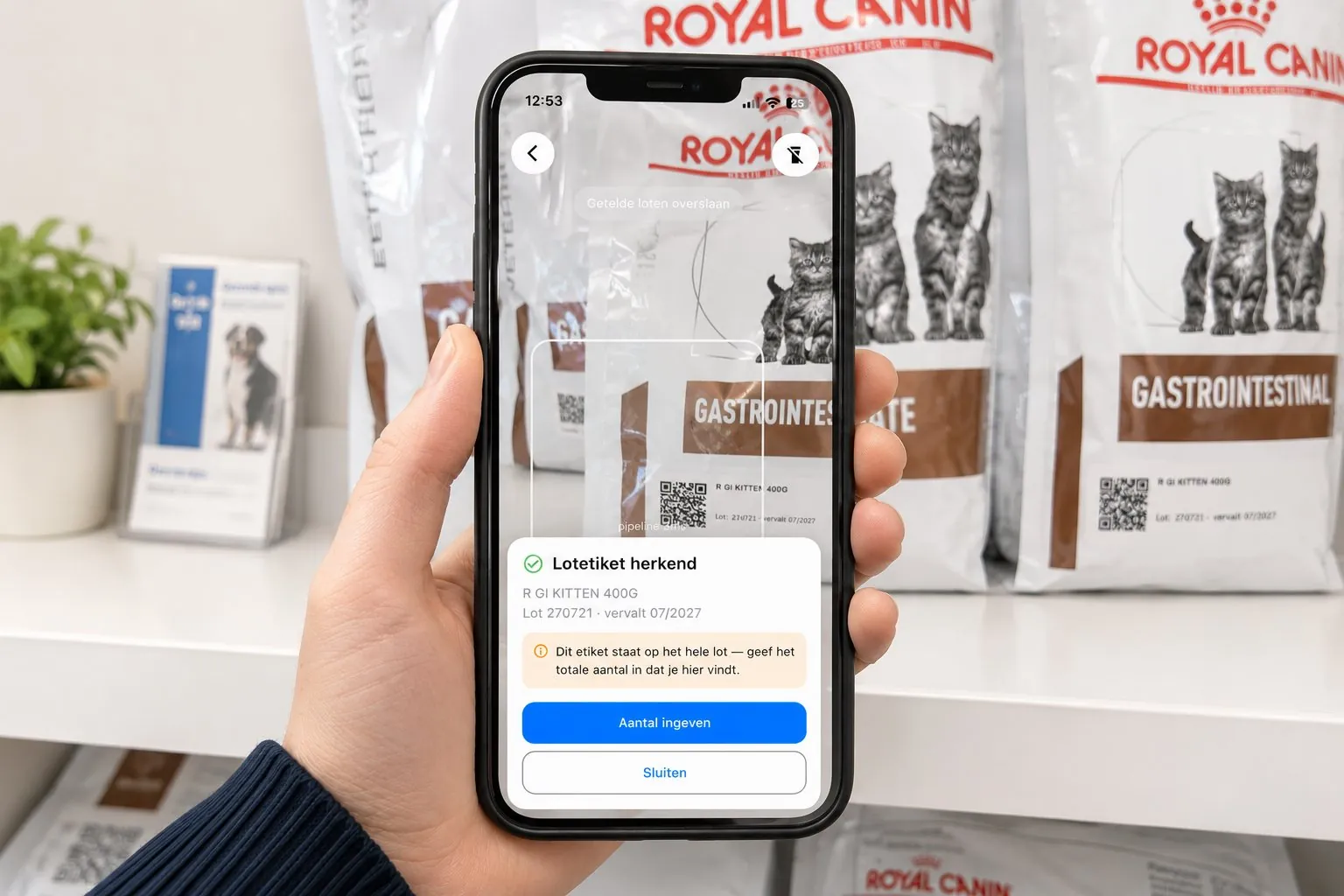
Scan, enter the quantities and your stock is spot on, batch numbers included.
Request a free demo and find out how the mobile app helps you in your practice.